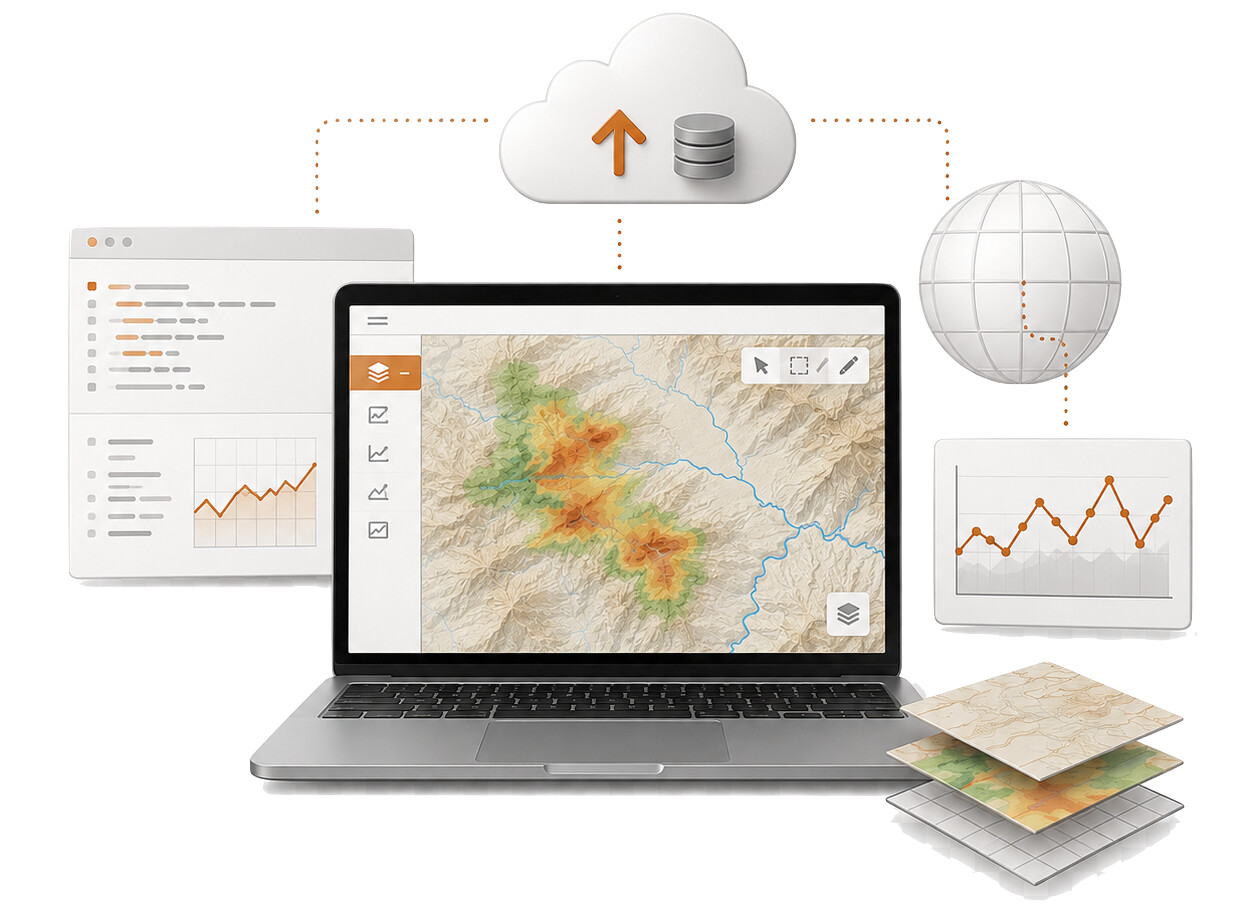
Instead of downloading large datasets locally, users can work directly in cloud environments using tools such as Jupyter notebooks, QGIS, and code-based workspaces.
What you can do
Cloud-hosted workspaces can be used to:
- Analyse products generated by GEP services
- Explore Sentinel-1, Sentinel-2, Sentinel-3, and supporting datasets
- Compare processing results over an area of interest
- Generate plots, maps, and time-series visualisations
- Use notebooks for reproducible analysis
- Work with geospatial tools such as QGIS
- Prepare inputs for further processing workflows
- Share methods, outputs, and results with collaborators
Why use a cloud workspace?
Cloud-hosted workspaces are useful when your analysis depends on large EO datasets or processing outputs that are already available in GEP.
They help you:
- Avoid moving large datasets to your local machine
- Work close to the data and processing results
- Keep analysis reproducible
- Combine EO products with contextual or in-situ data
- Use Python, notebooks, and geospatial libraries
- Support collaborative scientific and operational workflows
This is especially useful for terrain motion analysis, deformation monitoring, event response, validation activities, and research workflows.
Typical use cases
You may use a cloud-hosted workspace to:
- Inspect displacement maps or time-series products
- Compare outputs from different processing services
- Analyse deformation trends over infrastructure or hazard-prone areas
- Prepare figures and statistics for reports or publications
- Validate products against external or in-situ datasets
- Build custom analysis scripts using GEP data
- Prototype workflows before packaging them as processing services
From analysis to processing workflows
Once an analysis becomes repeatable, you may want to move from an interactive workspace to a more operational workflow.
Typical next steps include:
- Reusing your notebook as a documented analysis method
- Packaging code into a reproducible processing workflow
- Running processing over additional areas or time periods
- Sharing results through GEP topics or thematic applications
- Developing a dedicated service or application package
For learn how to request access to an existing workspaces, notebooks, QGIS environments, visit the topic on how to request a specialised software environment on GEP section
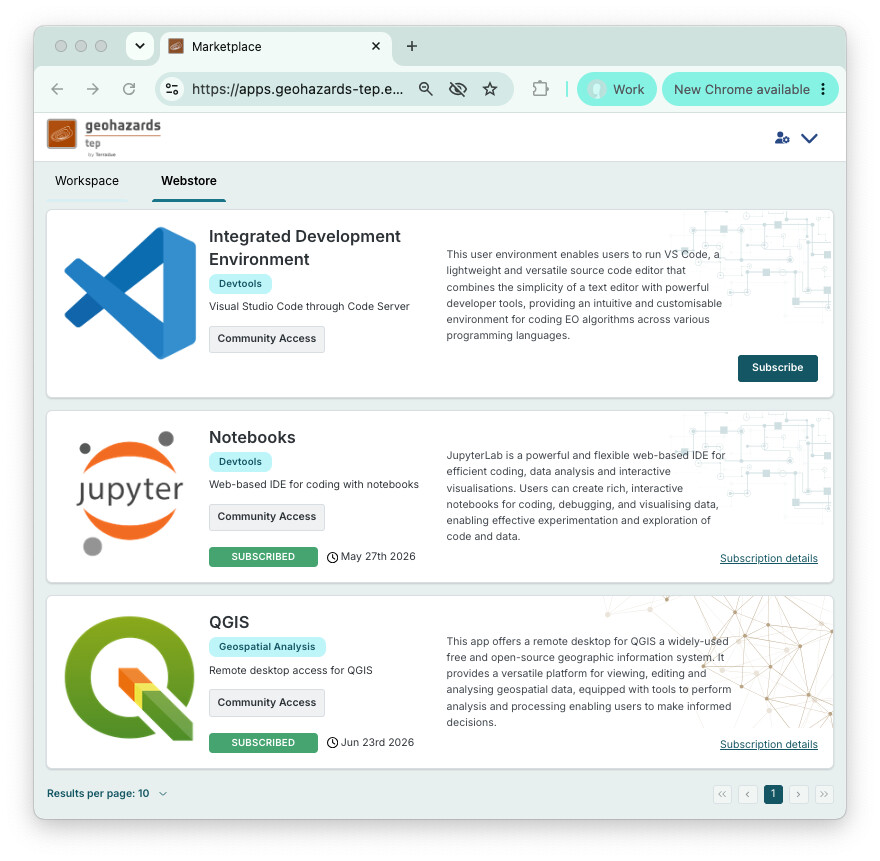
For support with workspaces, notebooks, QGIS environments, or data access, visit the Open Science section
For access, service activation, subscriptions, or institutional enquiries, contact: